


Review: System Mechanic from Iolo
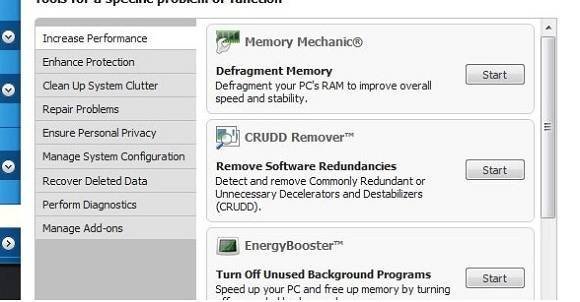


I clicked on the 'remove system clutter' option. This removed cache files from web browsers, emptied recycling bin and defragmented the memory. The system guided me through a precautionary back-up of the registry.
Then to a list of more programmes that automatically start up on boot-up. This revealed a large number of items of software. A few were obviously redundant, so I disabled them. For most though, it was hard to know what was important, so I decided to leave well enough alone.
A quick scan, and the CRUDD remover suggested I remove the Bing and Yahoo toolbars, which being a Google user was no great loss. I decided against updating my screen drivers, however, concluding that if it wasn’t broke, it probably wasn’t worth the risk of fixing.